

Edit Content Directly in Play Mode
You can now edit story content directly inside Play Mode, without switching back to the board. Workspace and project owners and editors can update the current e...
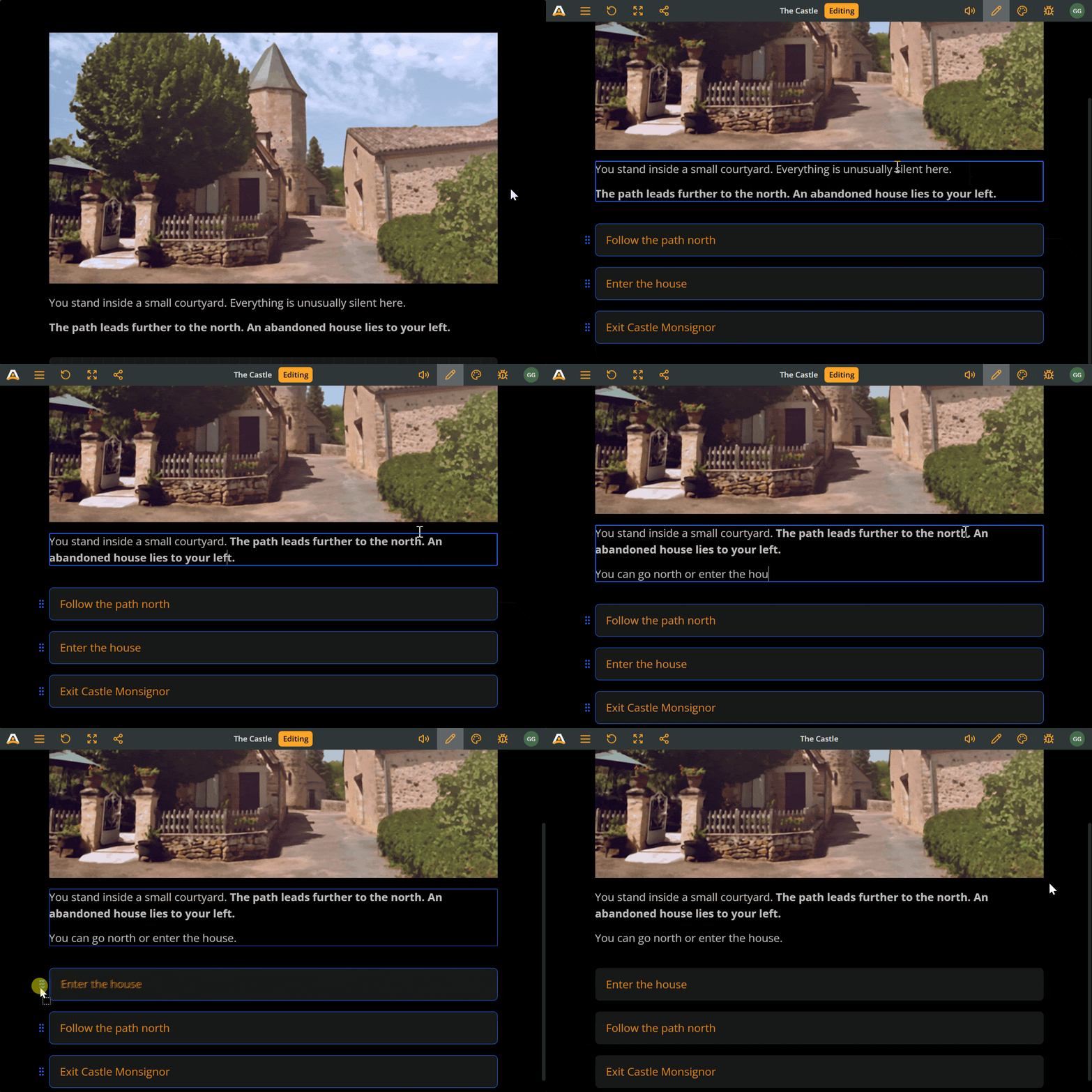
You can now edit story content directly inside Play Mode, without switching back to the board. Workspace and project owners and editors can update the current element’s text, edit option labels, and reorder choices while playtesting, making iteration much faster and more seamless.
Enter edit mode by clicking the pencil icon in the top menu or by double clicking an element’s text. While editing, story navigation is paused so you can safely make changes using the same rich text tools available on the board, including formatting and component @mentions. All changes are saved instantly to the project and remain available in future Play Mode sessions.
Continue exploring Arcweave
Jump from product updates to the features, integrations, and pricing pages they connect to.
Ready to create amazing interactive stories?
Join thousands of game developers who have transformed their narrative design process.